App Store screenshots that sell your app.
appbro is a browser studio for App Store and Google Play screenshots: frames, captions, translations, every store size.
No account needed. Design for free.

A store listing is a lot of pictures.
Your raw screenshots show a screen. The ones in the store have to sell a reason, in every size and language you ship.
- 4screenshots
- 9device sizes
- 30languages
- 1,080images, if you go all in
Nobody should draw those one artboard at a time. appbro lets you design the set once per device, translate the captions with AI, and export everything in a single ZIP.
Design one canvas. Cut out a whole listing.
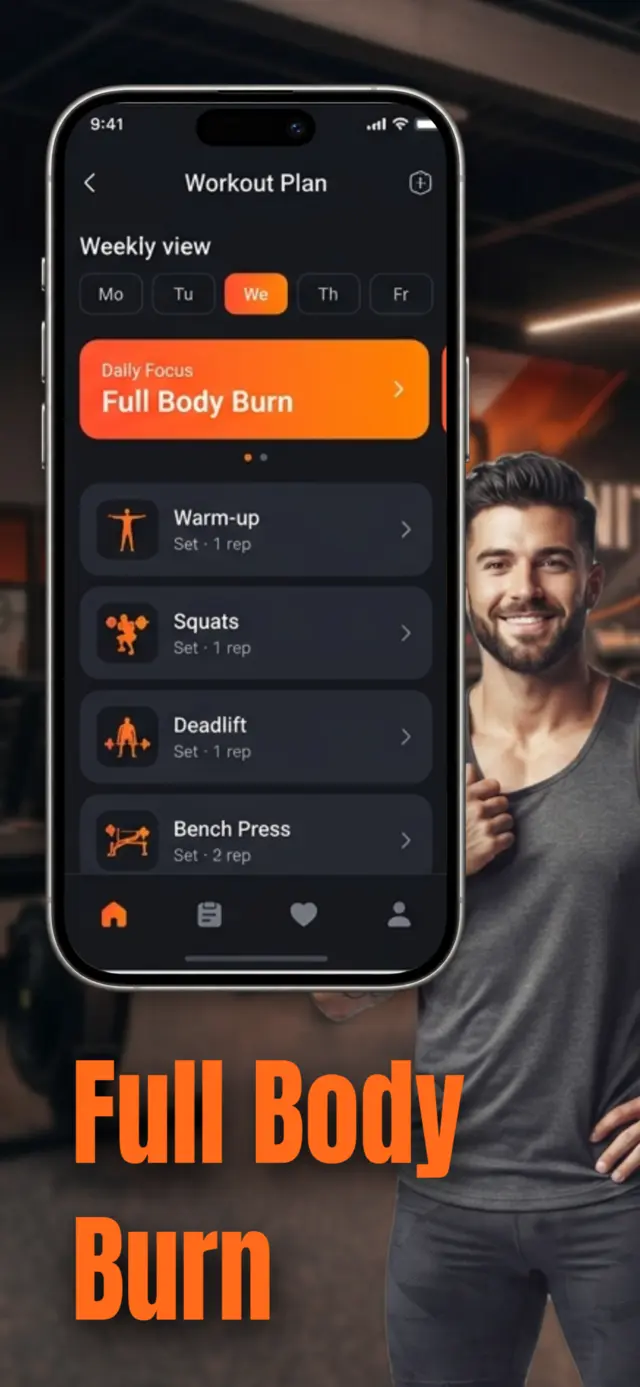
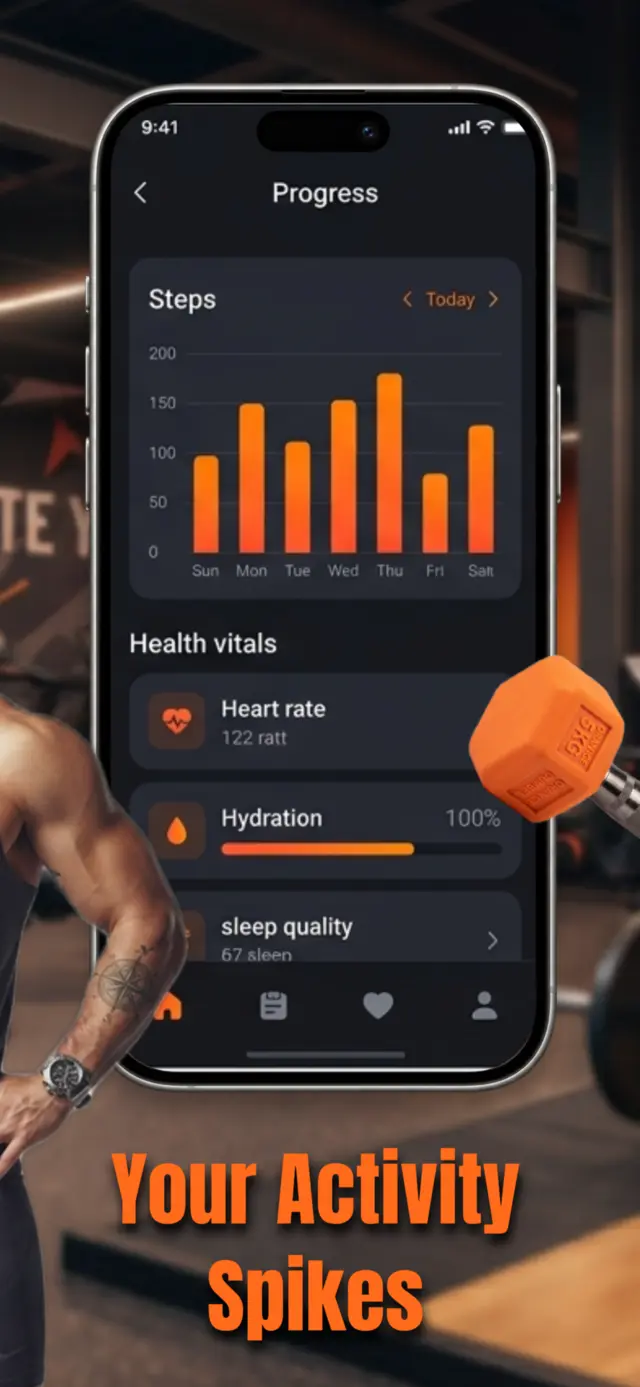
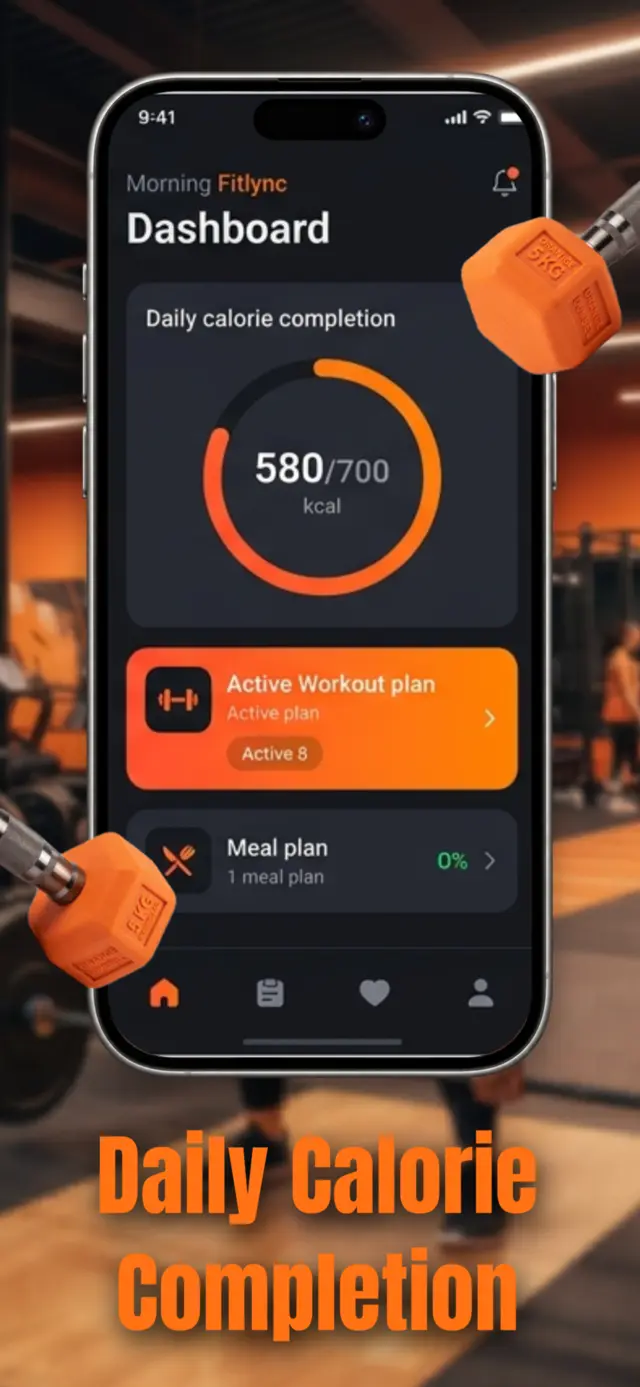
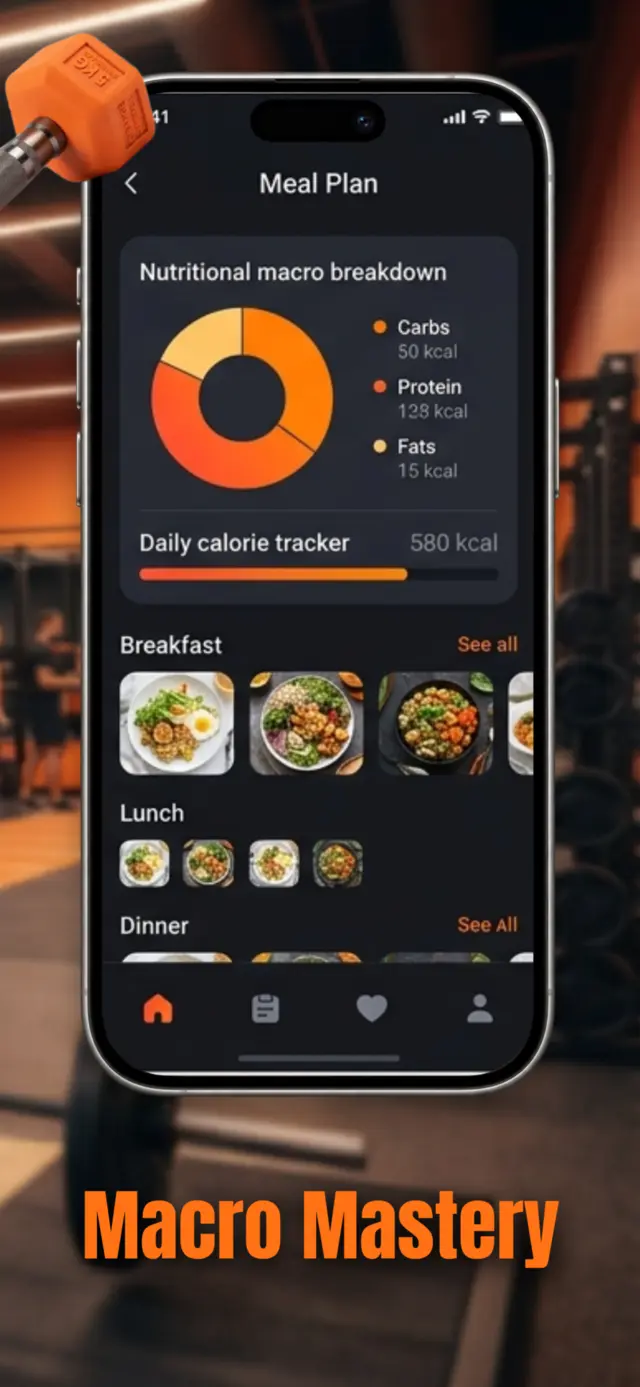
Backgrounds, people and props run straight across the slots, like one long poster.
Out come four store-ready PNGs at the exact size the store asks for.
Everything a store screenshot needs, already in the box.
Drop in your app's screens, then dress them up. No design software, no plugins, nothing to install.
Every store size, built in
Pick a device and the canvas is already the right size. Mix several devices in one project.
| iPhone 6.7" to 6.9" | 1290 × 2796 |
|---|---|
| iPhone 6.1" to 6.3" | 1179 × 2556 |
| iPhone 5.5" | 1242 × 2208 |
| iPad 12.9" to 13" | 2048 × 2732 |
| Apple Watch Ultra | 410 × 502 |
| Apple Watch 45/46mm | 416 × 496 |
| Android phone | 1080 × 2400 |
| Android foldable | 1768 × 2208 |
| Android tablet 10" | 1200 × 1920 |
Real device frames
iPhone, Galaxy, iPad, Pixel Tablet and Apple Watch, straight on or angled in 3D.
122 3D icons, four finishes
Plus illustrations and people cutouts to make a screenshot feel alive.
Captions, fonts and colour
Curated fonts, gradients and wave backgrounds, with panoramas that span every slot.
Start however you like
- From scratch
- From a template
- Import a saved project
Speak your users' language.
Translate every caption with AI in a click. Switch the project to a language, check it, export that set.
 English
 Greek
Greek Spanish
 French
 German
 Italian
 Portuguese (BR)
 Turkish
 Arabic
 Japanese
 Korean
 Chinese
All 30: English, Greek, Spanish, French, German, Italian, Portuguese, Portuguese (Brazil), Dutch, Russian, Turkish, Arabic, Hebrew, Japanese, Korean, Chinese (Simplified), Chinese (Traditional), Hindi, Polish, Swedish, Danish, Norwegian, Finnish, Czech, Romanian, Hungarian, Ukrainian, Vietnamese, Thai and Indonesian.
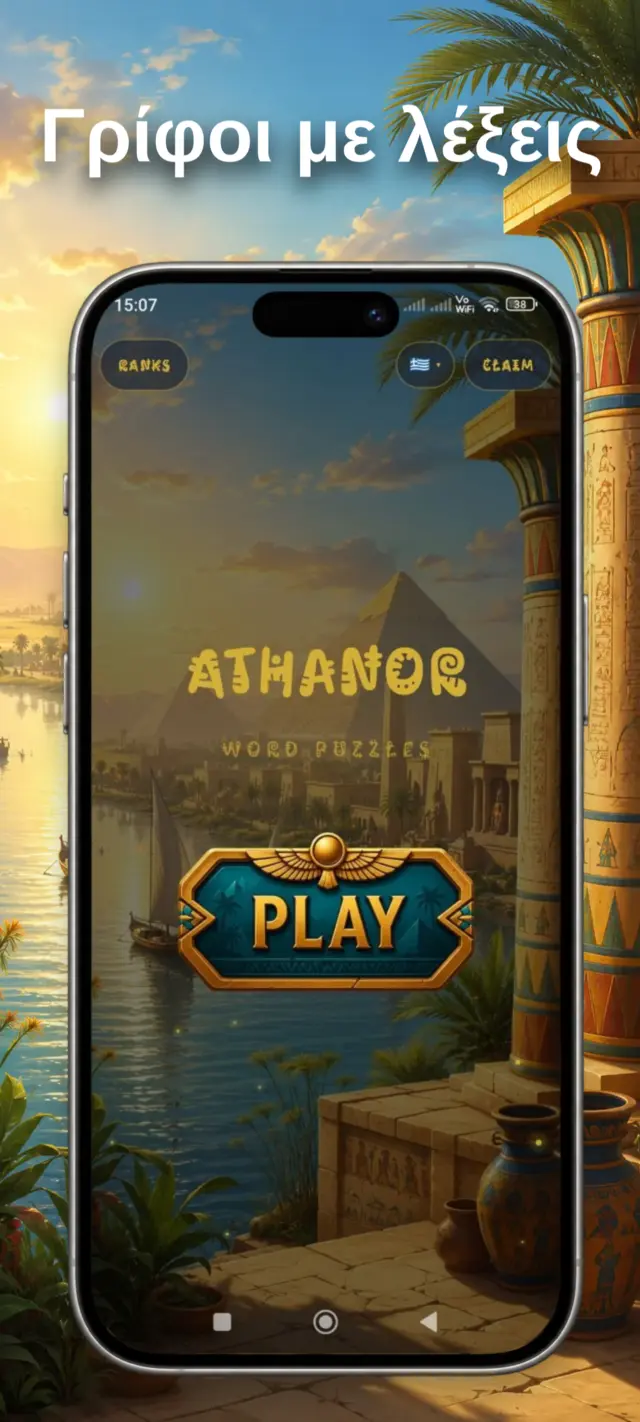
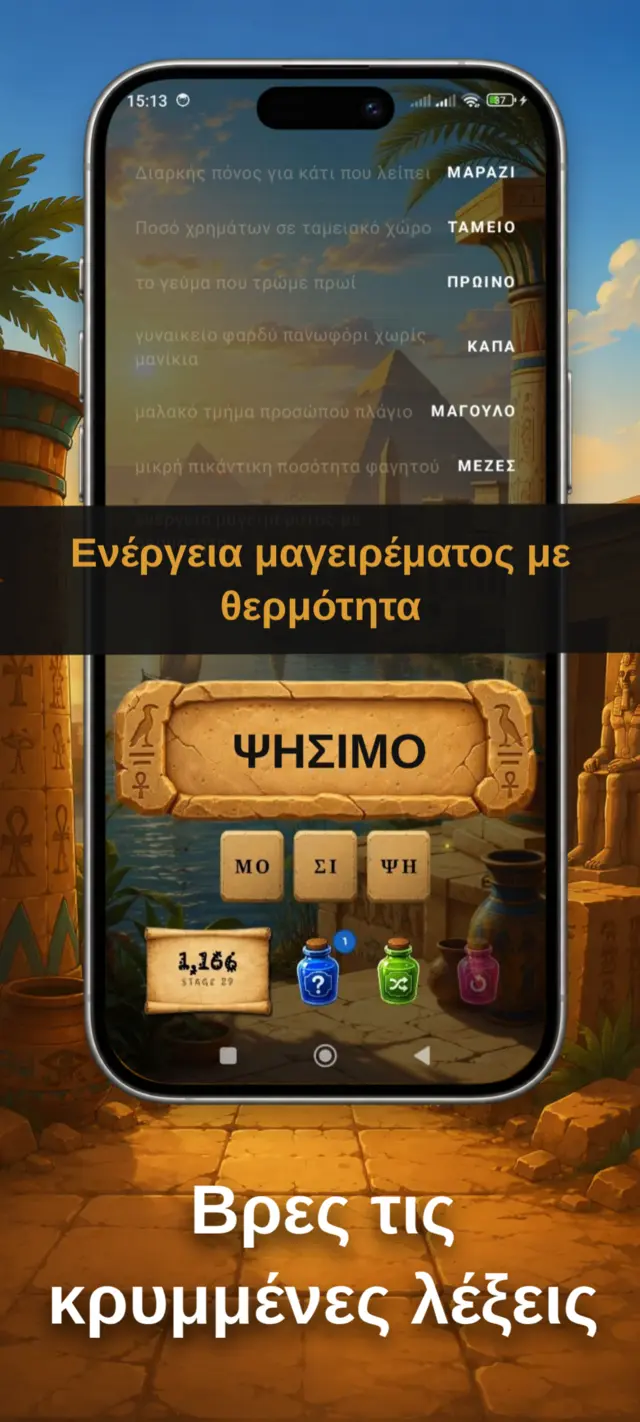
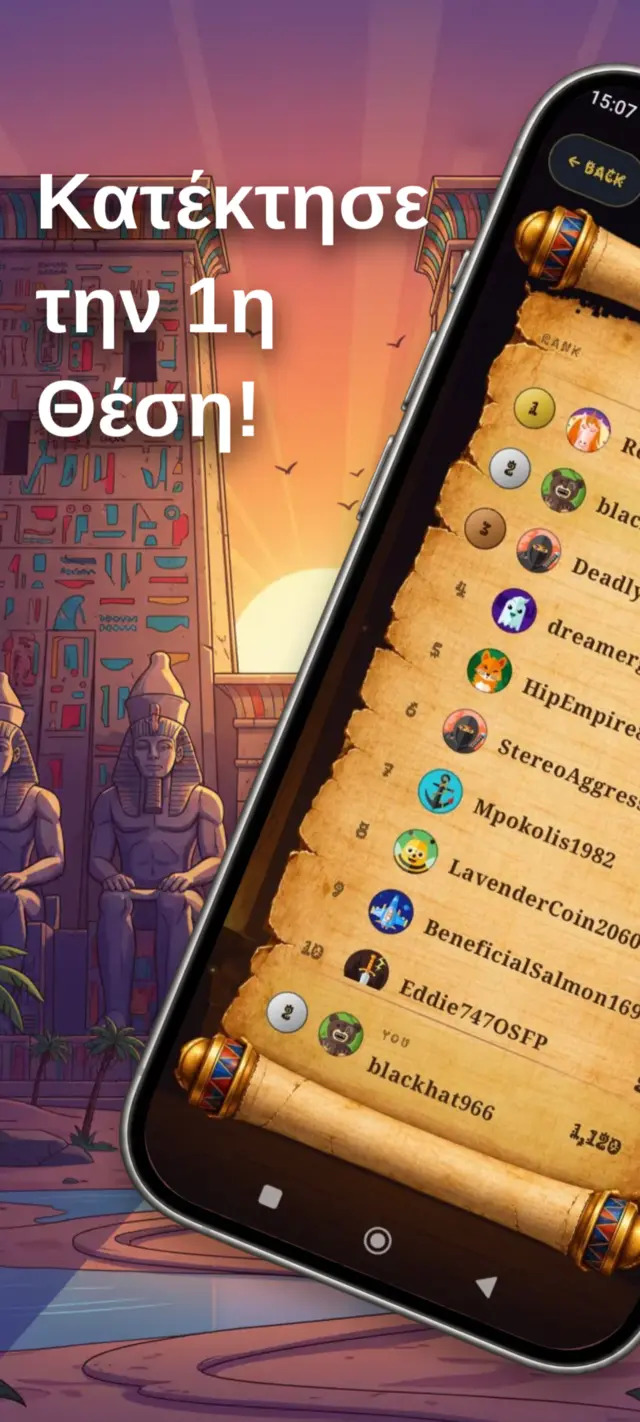

Start from a template.
Swap in your own screens and words, keep the layout. Each one is a full panorama set.
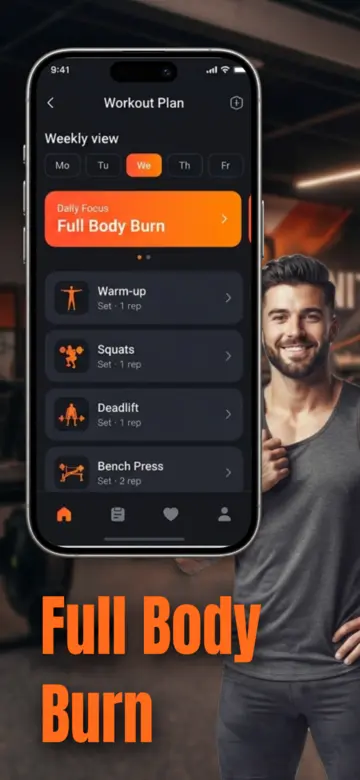
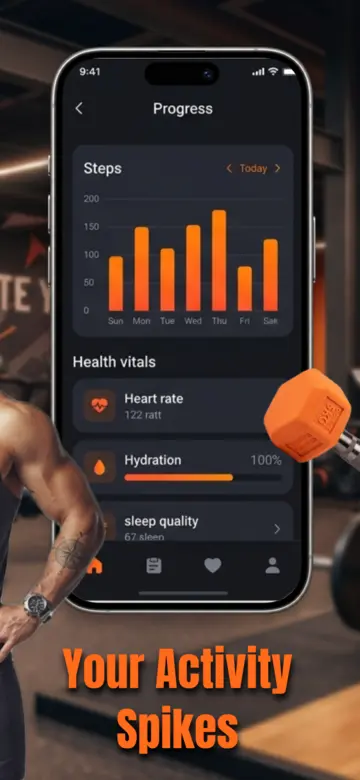
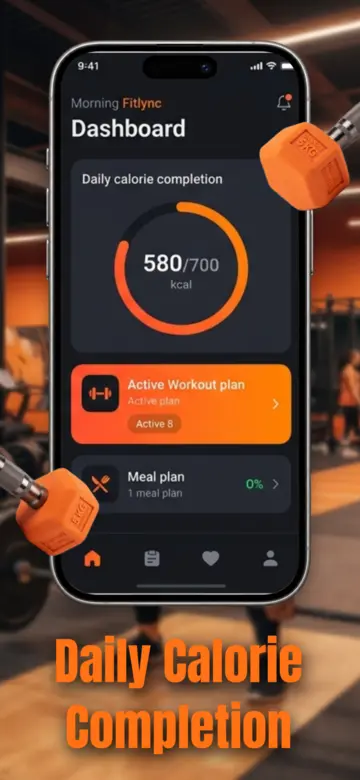
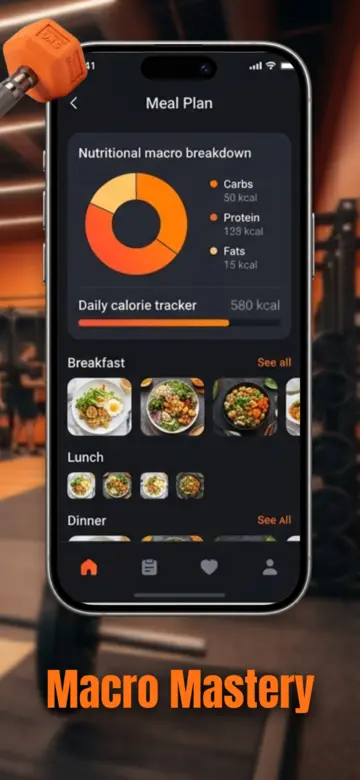
Gym
- Look
- Dark UI, orange type, photo background
- Set
- 4 screenshots, one panorama
- Size
- iPhone 6.9", 1290 × 2796
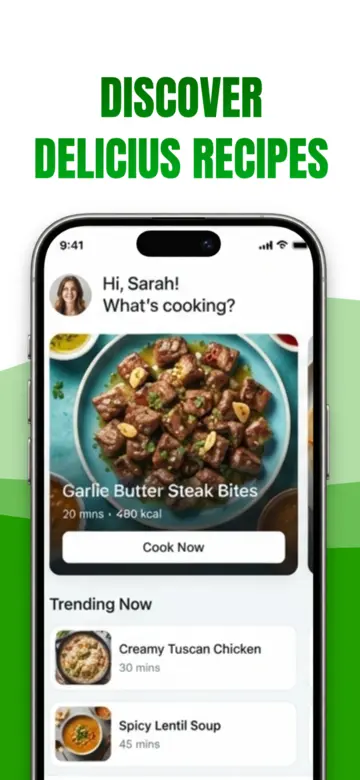
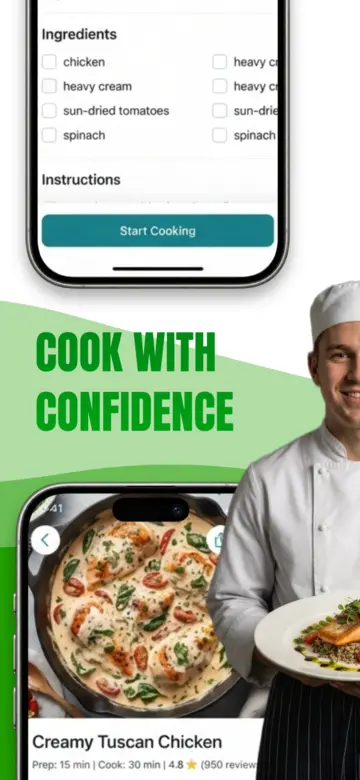
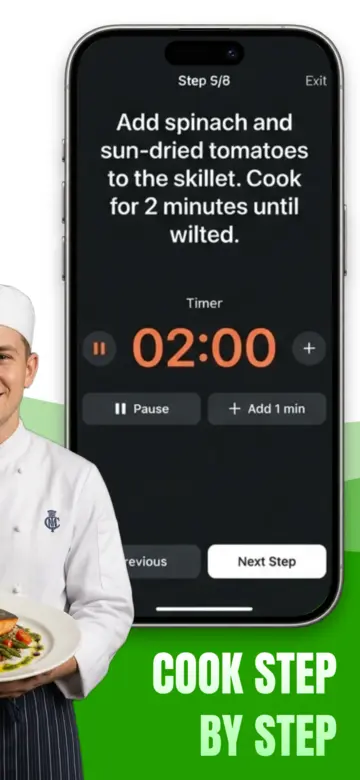
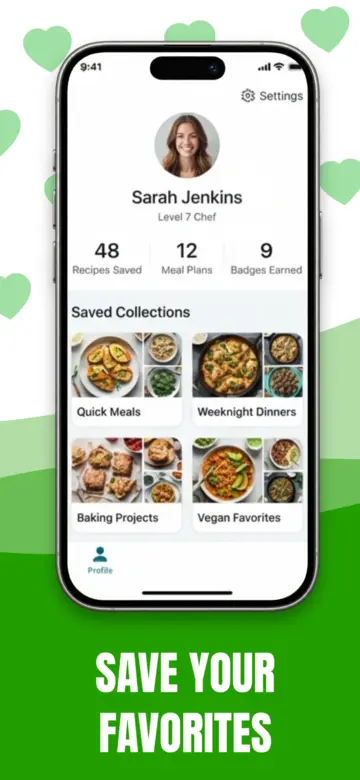
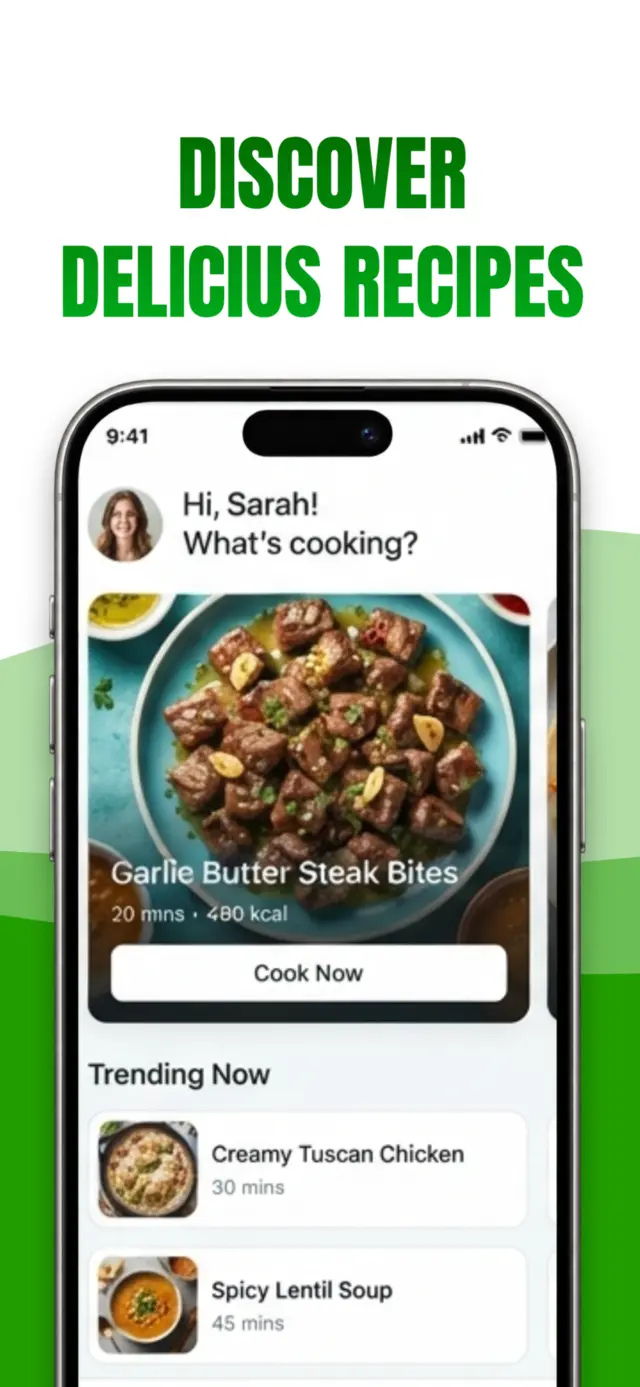
Recipes
- Look
- Fresh green waves, chef cutout
- Set
- 4 screenshots, one panorama
- Size
- iPhone 6.9", 1290 × 2796
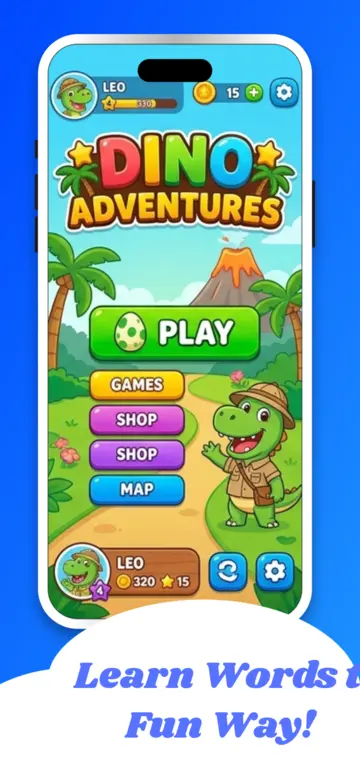
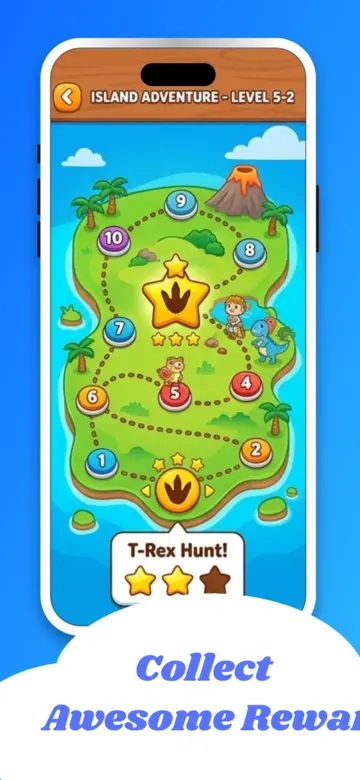
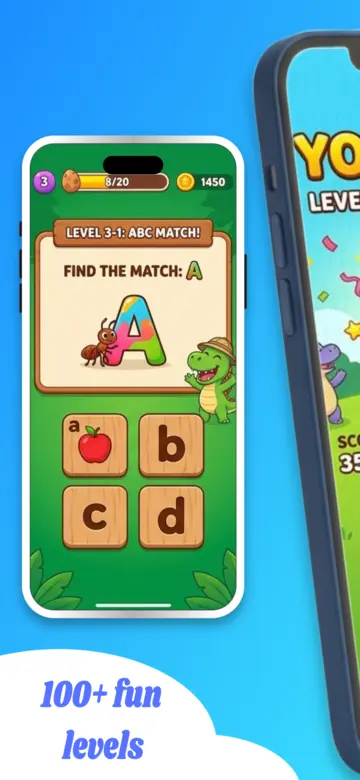
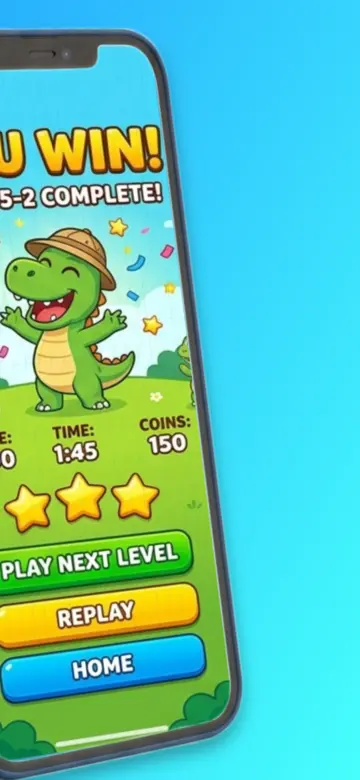
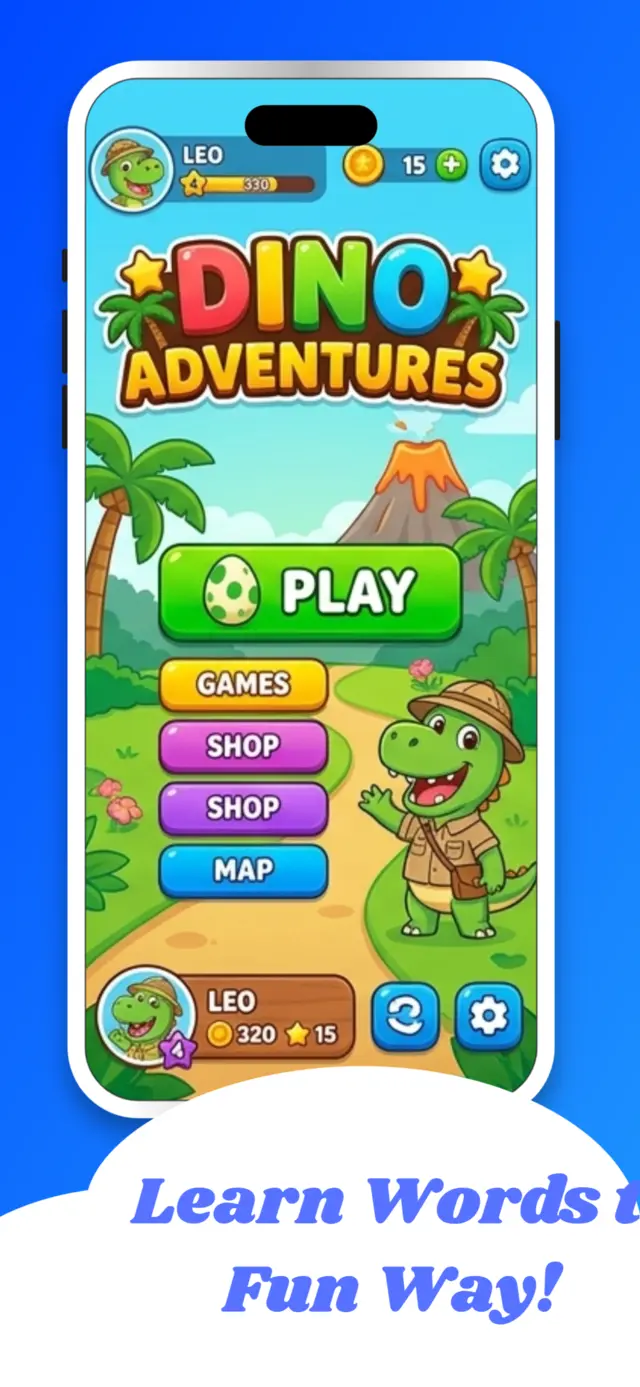
Kids game
- Look
- Bright blue sky, cloud captions
- Set
- 4 screenshots, one panorama
- Size
- iPhone 6.9", 1290 × 2796
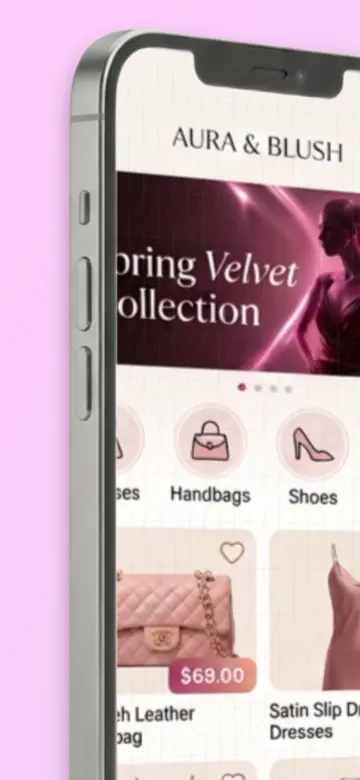
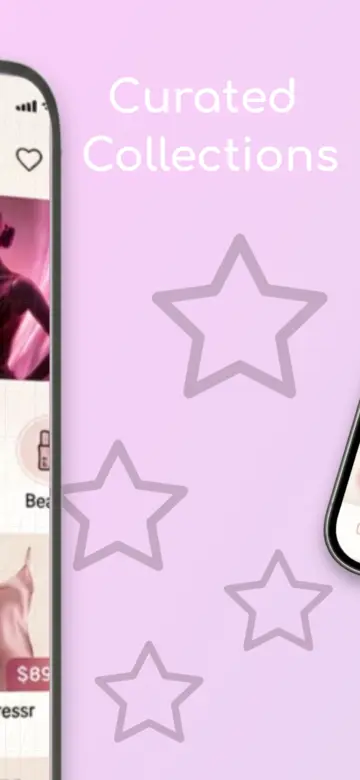
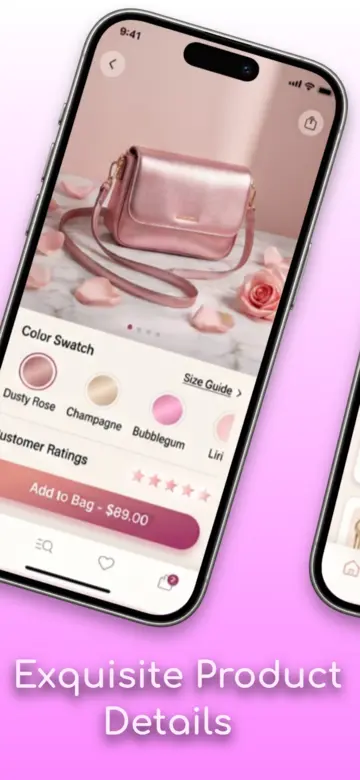
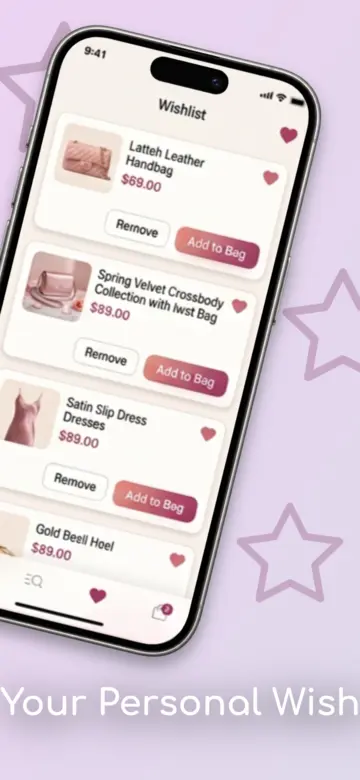
Fashion
- Look
- Soft pink, tilted phones, stars
- Set
- 4 screenshots, one panorama
- Size
- iPhone 6.9", 1290 × 2796
Or a blank canvas.
Start from scratch, or import a project you saved earlier as a .json file.
Browse templatesOne click. One ZIP. Ready to upload.
Every screenshot is rendered at full store resolution, right in your browser.
- One folder per device, PNGs at the exact pixel size.
- A 1024 × 500 Google Play feature graphic, made from your own screenshots.
- A high-quality WebP of it for your website and social cards.
- Autosaves as you work. Save the project as .json to pick it up anywhere.
- my-app.zip
- iPhone 6.9/
- Screenshot 1.png 1290 × 2796
- Screenshot 2.png 1290 × 2796
- Screenshot 3.png 1290 × 2796
- Screenshot 4.png 1290 × 2796
- feature-graphic.png 1024 × 500
- feature-graphic-hq.webp
- Android phone/
- Screenshot 1.png 1080 × 2400
- …
- iPhone 6.9/
Questions, answered.
Something missing? Write to stevegtdbz@gmail.com.
What is appbro?
appbro is a web app and App Store screenshot generator for designing the screenshots that appear on your App Store and Google Play listing. You place your app's screens in device frames, add captions, backgrounds, 3D icons and illustrations, then export every image at the exact size each store requires.
Is appbro free?
Designing is free and needs no account. To export your finished screenshots you buy a one-time license key, which also includes AI translation credits. There is no subscription.
Can I sell my screenshot designs?
Yes, with a free creator account you can turn projects into templates and share them, and with AppBro Pro you can sell them through your own Stripe account and find app developers as clients. How creator accounts work.
Do I need an account?
No. appbro runs in your browser and autosaves your project there. You can also save the project as a .json file and import it again later on any computer.
Which screenshot sizes does appbro export?
There are 9 device presets: iPhone 6.7 to 6.9 inch (1290×2796), iPhone 6.1 to 6.3 inch (1179×2556), iPhone 5.5 inch (1242×2208), iPad 12.9 to 13 inch (2048×2732), Apple Watch Ultra (410×502), Apple Watch 45/46mm (416×496), Android phone (1080×2400), Android foldable (1768×2208) and Android 10 inch tablet (1200×1920).
Does it work for Google Play as well as the App Store?
Yes. Android phone, foldable and tablet sizes are built in, and every export includes a 1024×500 Google Play feature graphic made from your own screenshots, plus a high-quality WebP copy of it.
Which languages can appbro translate into?
30: English, Greek, Spanish, French, German, Italian, Portuguese, Portuguese (Brazil), Dutch, Russian, Turkish, Arabic, Hebrew, Japanese, Korean, Chinese (Simplified), Chinese (Traditional), Hindi, Polish, Swedish, Danish, Norwegian, Finnish, Czech, Romanian, Hungarian, Ukrainian, Vietnamese, Thai and Indonesian.
What do I get when I export?
One ZIP file with a folder per device. Each folder holds a PNG for every screenshot at that device's exact store resolution, a 1024×500 feature-graphic.png for Google Play, and a feature-graphic-hq.webp.
Where is my work stored?
In your own browser. Screenshots are rendered and zipped on your device. Only the caption text you choose to translate is sent to appbro's server for translation.

No account needed. Make your first set today.
Open the studio in your browser. Your screenshots never need to leave it.
Open the studio Start from the Gym template